SonarQube is a very useful tool for us developers to ensure that we can release clean and secure code, but how can we use it to perform a quick analysis of our local React project?
Requirements
First things first, let’s create a kubernetes cluster using the command:
kind create clusterThis will provision a local kubernetes cluster (which we can delete with kind delete cluster) on which we will be able to install the sonarqube helm chart.
Let’s now switch to the correct kubernetes cluster using the command:
kubectl config use-context kind-kindAnd let’s then install sonarqube!
helm repo add sonarqube https://SonarSource.github.io/helm-chart-sonarqube
helm repo update
kubectl create namespace sonarqube
helm upgrade --install -n sonarqube sonarqube sonarqube/sonarqube --set community.enabled=true,monitoringPasscode="somereallylongpassocode" # Use an actual passcode, this is just a demo!
After waiting for a few minutes we should be able to see two new pods on the sonarqube namespace:
| Name | Ready | Status | Restarts | Age |
|---|---|---|---|---|
| sonarqube-postgresql-0 | 1/1 | Running | 0 | 5m |
| sonarqube-sonarqube-0 | 1/1 | Running | 0 | 5m |
With the pods up & running let’s then forward the sonarqube port locally:
kubectl port-forward services/sonarqube-sonarqube -n sonarqube 9000:9000Let’s now visit our sonarqube instance at the URL http://localhost:9000, we should be able to see a login page:
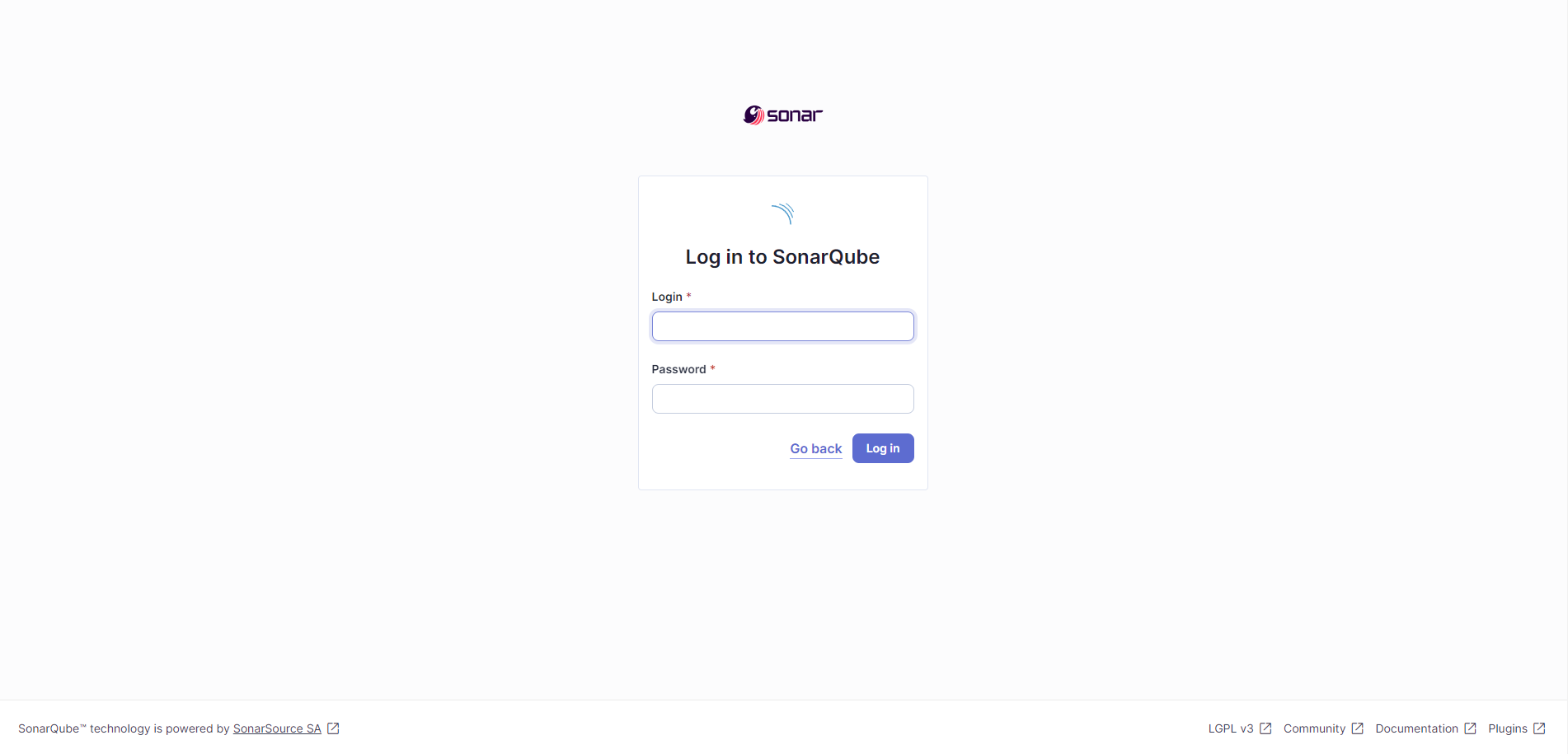
The default credentials are:
- Username:
admin - Password
admin
Once logged in it will request us to change the credentials. Once done, we’ll be able to add our project to Sonarqube!
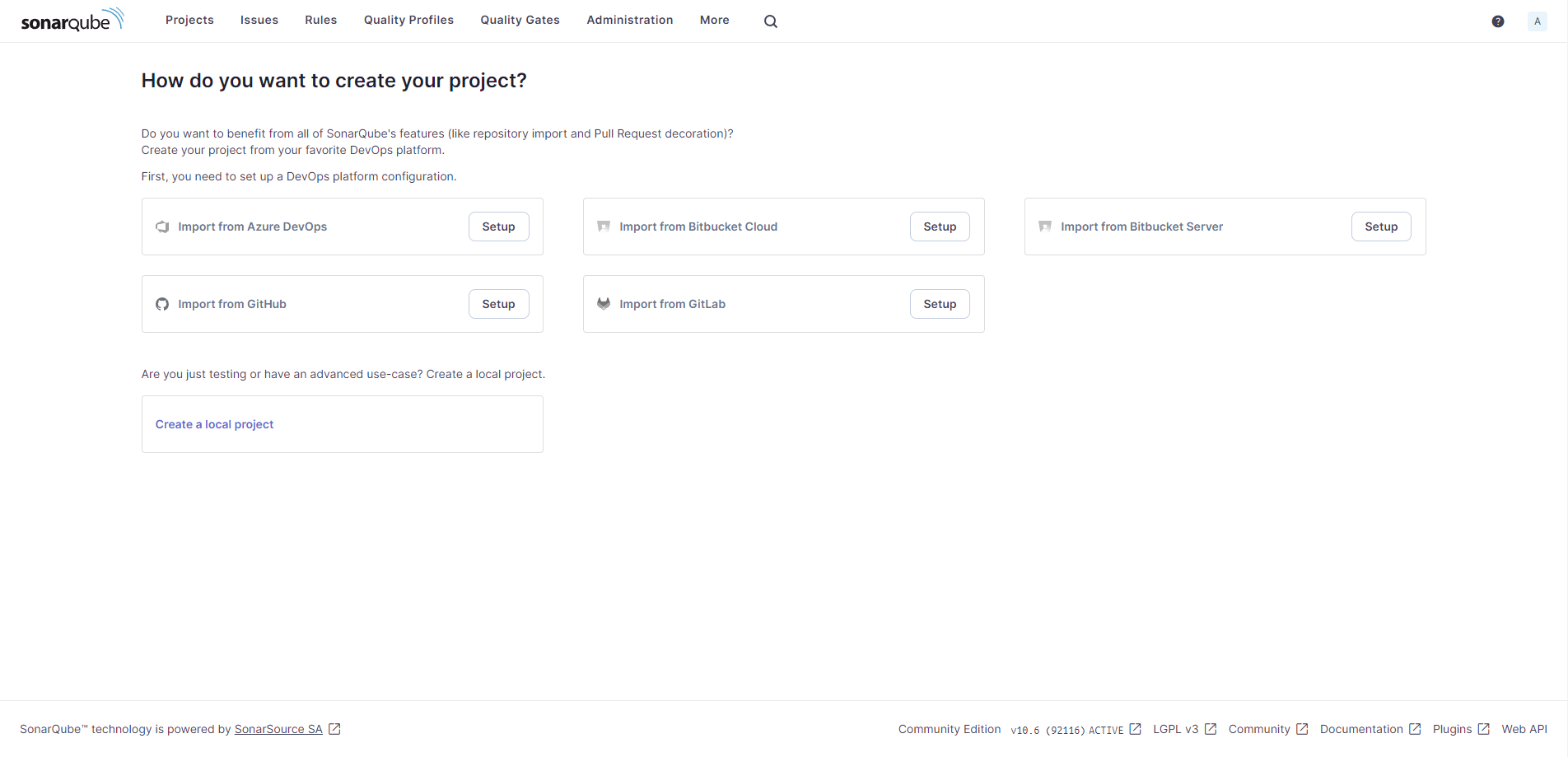
Let’s click on the “Create a local project” option and give the project a name.
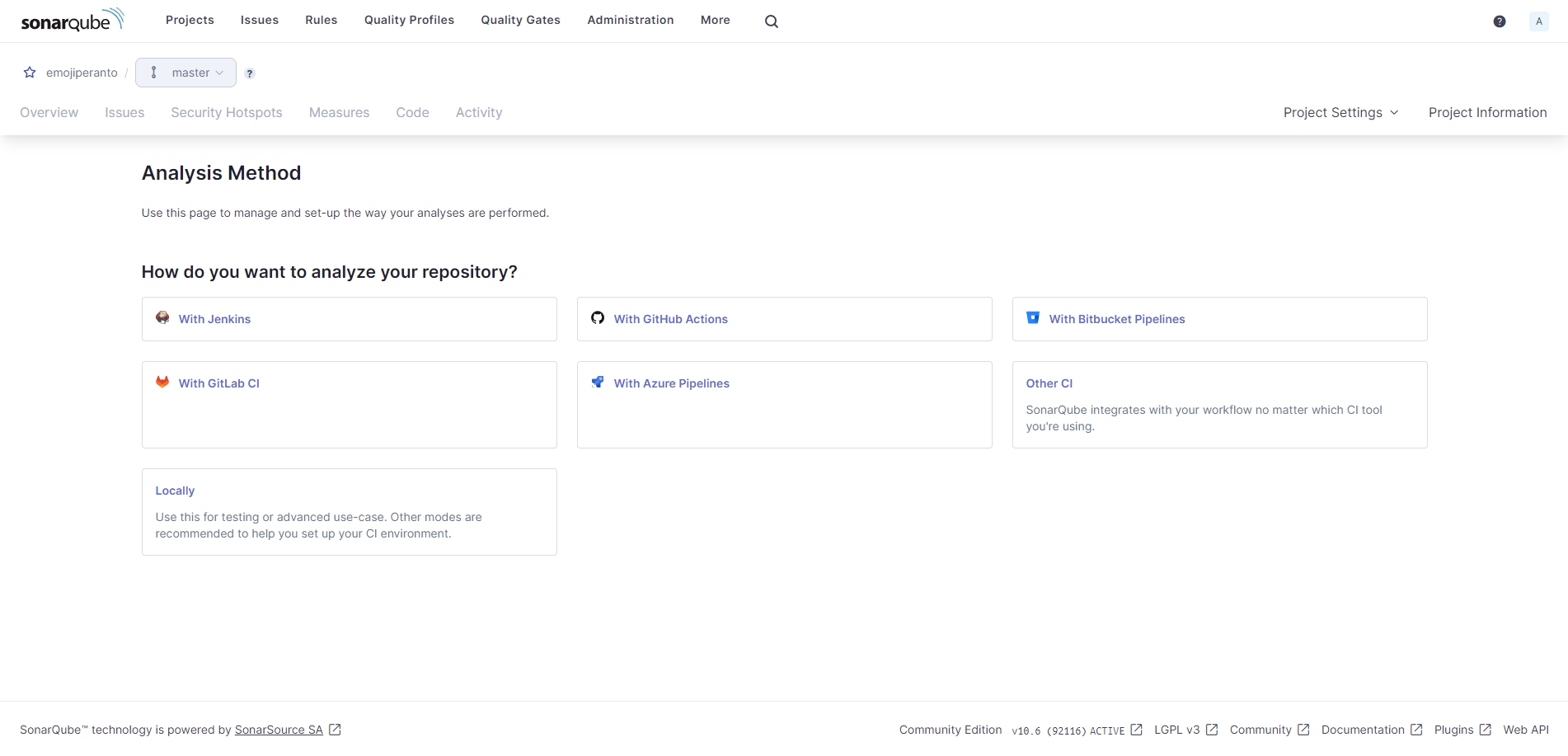
After doing so, we’ll be requested how to analyze the code, let’s choose the “Locally” option and create a token for the analysis:
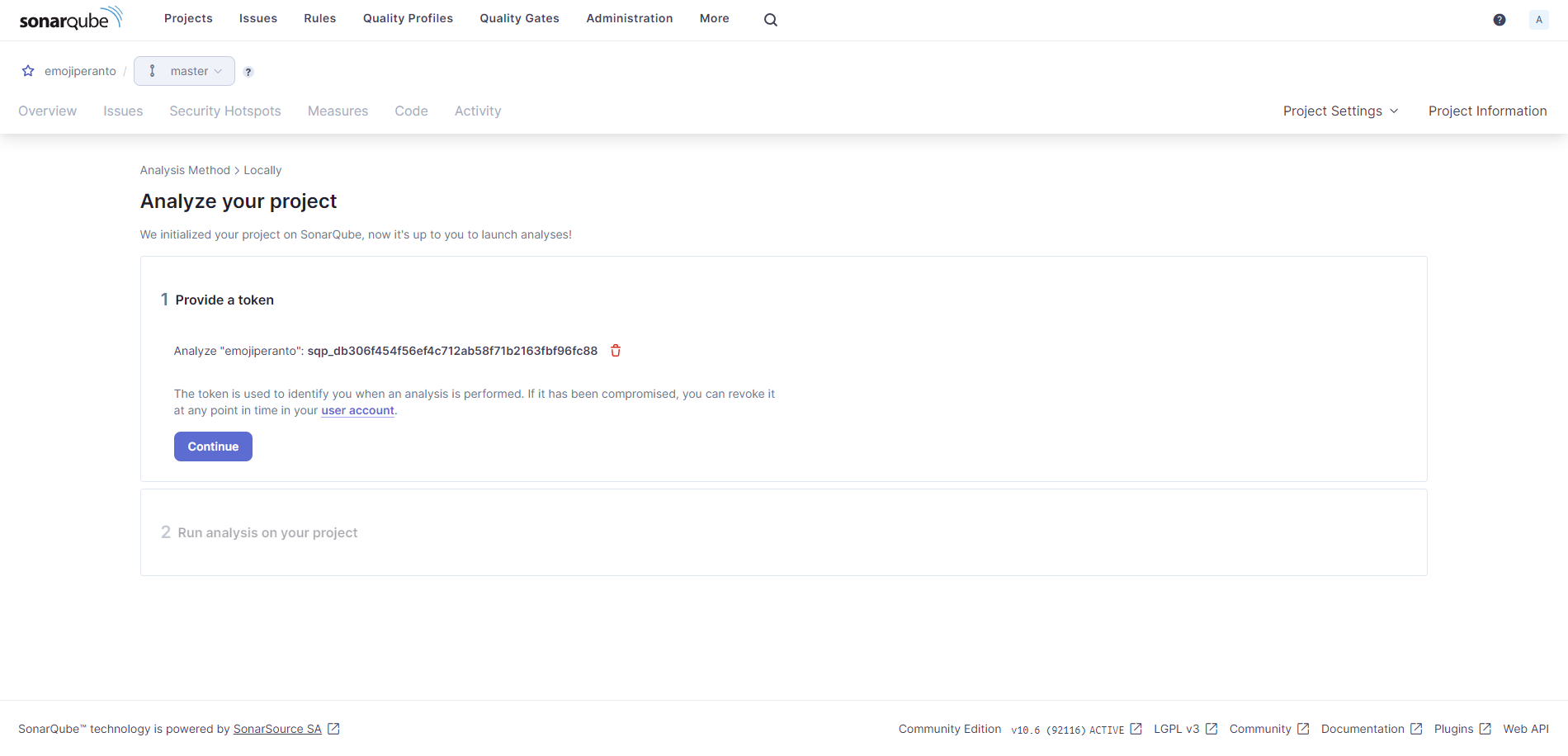
Now we have all the necessary pieces to run the sonar scanner.
Let’s open a terminal and execute the command:
docker run \
    --rm \
    -e SONAR_HOST_URL="http://host.docker.internal:9000" \
    -e SONAR_SCANNER_OPTS="-Dsonar.projectKey=${YOUR_PROJECT_KEY}" \
    -e SONAR_TOKEN="${SONAR_TOKEN}" \
    -v "${ABSOLUTE_PATH_TO_YOUR_REPO}:/usr/src" \
    sonarsource/sonar-scanner-cli
Once executed the scanner will start looking at our code and after about 10 minutes we’ll have some results as such:

And that’s it! If your scan found some issues you could fix them and re-run the analysis.
Last updated: September 2025